Putting AI at the Core of Your Stack — Carefully
Adding intelligence to a product is the easy part; keeping it observable, testable and affordable is the work. Here is a practitioner's map for integrating AI into software without building a black box you cannot debug.
 Anna Keller · Senior AI & Machine Learning Engineer
10 min read
Fact-checked
Anna Keller · Senior AI & Machine Learning Engineer
10 min read
Fact-checked
.jpeg)
Key takeaways
- Add AI only where it changes a real outcome — a faster answer, a fewer-click task, a decision a human would otherwise make by hand.
- Start with a hosted API; build or fine-tune your own model only when proprietary data, latency or privacy force the issue.
- Treat observability and evaluation as day-one requirements, not a later add-on — you cannot improve what you cannot measure.
- Wrap every model in deterministic guardrails and a non-AI fallback so a bad generation degrades gracefully instead of breaking.
- Cost and latency are design constraints: trim prompts, cache aggressively, right-size the model and cap spend per tenant.
Every product team I talk to in 2026 is under pressure to ship something with "AI" stamped on it. The demos are intoxicating: a chat box that answers support questions, a summariser that turns a long thread into three bullets, a classifier that routes tickets without a human in the loop. Building the demo takes an afternoon. Building the version that survives real traffic, real edge cases and a real cost review takes a few months — and most of that difference is architecture, not models.
This guide is about that difference. It is a careful, opinionated walk through integrating AI into software the way you would integrate any other dependency that is expensive, occasionally wrong, and impossible to fully unit-test. I will cover where AI actually belongs in a stack, how to decide between building and buying, and — the part teams skip and regret — how to keep the whole thing observable so you can debug it at 2 a.m. when a user says "it gave me nonsense."
None of this requires a research lab. It requires treating a probabilistic component with the same engineering discipline you apply to a payments integration or a third-party search index. If you have shipped real systems before, most of these instincts will feel familiar; the trick is applying them to a piece that does not behave deterministically. For a broader view of where the field sits this year, the companion piece on what every developer should actually know about AI in 2026 is a good primer to read alongside this one.
Deciding where AI belongs in your stack
The first and most important architectural decision has nothing to do with models. It is deciding whether the feature should use AI at all, and if so, where the intelligence sits in the request path. The honest test I apply is simple: does the AI change a real outcome that users care about? A faster answer, a task that drops from ten clicks to one, a decision a human would otherwise make by hand and would rather not. If you cannot name the outcome, you are decorating the product, not improving it.
A surprising number of "AI features" turn out, on inspection, to be problems a regular expression, a lookup table or a tidy SQL query already solves — faster, cheaper and without ever hallucinating. The question to ask of any candidate is whether deterministic code could do it acceptably. If it could, do that instead and save the model budget for the problems that genuinely need fuzzy understanding: messy natural language, long-document summarisation, image classification, ranking by soft relevance. That is where intelligence earns its keep.
Picking the seam
When the outcome is real, the next question is placement. AI features tend to live in one of three positions. They sit in the request path, where a user waits on the model's output — a chat reply, an autocomplete, a generated summary on page load. They sit beside the request path, doing work asynchronously and surfacing results later, such as tagging uploaded documents or drafting a response a human will approve. Or they sit under the request path, quietly improving something deterministic — ranking search results, scoring leads, flagging anomalies. Each position has a different tolerance for latency, cost and error, and confusing them is the source of a startling number of bad launches.
Whichever position you choose, keep the model at a clean seam: an input goes in, a structured output comes out, and the rest of your system treats that output like any other untrusted data source. Resist letting the model reach directly into your database or fire off irreversible side effects on its own. The model proposes; your deterministic code disposes. This separation is what later lets you swap models, add caching, or fall back to a rule-based path without rewriting half the application.
From practice. When we audited a stalled "AI assistant" project, the root problem was not the model at all — it was that the team had wired the model's free-text output straight into business logic with string matching. Every prompt tweak broke three downstream behaviours nobody could find. The fix was unglamorous: force the model to return a small, validated JSON object, and move all the decisions into ordinary code. The feature stopped being magic and started being software, which is exactly what you want. A related pattern worth naming: adding machine learning to a product succeeds most when the model assists a human rather than replaces one, because a person in the loop forgives imperfect output.
Build vs. buy vs. API
Once you know what you are building, you have to decide how to get the intelligence. There are three broad paths, and the right answer for most teams in 2026 is the least romantic one.
Use a hosted API. A managed large language model or vision endpoint removes serving infrastructure, GPU procurement, evaluation tooling and the entire operational burden of keeping a model healthy. You pay per call and you ship this week. For the first version of nearly any feature, this is the correct choice — it lets you validate that users want the thing before you spend a single engineer-month on infrastructure.
Fine-tune or adapt an existing model. When a hosted base model is close but not quite right — it misses your domain vocabulary, your tone, your formatting conventions — fine-tuning or lightweight adaptation closes the gap without training from scratch. This is the sweet spot for teams with a few thousand good examples and a specific task.
Build and train your own. Reserve this for cases where proprietary data is a genuine moat, where latency or privacy rules out external calls, or where call volume makes per-request pricing untenable at scale. It is the most expensive path in people and time, and the burden is permanent: a data pipeline, a retraining cadence and a model registry forever. It should be a deliberate strategic bet, not a default.
Here is the trade-off laid out plainly. Read it as a starting bias, not a rule — your latency budget, data sensitivity and volume can push any row in a different direction.
| Approach | Time to ship | Upfront cost | Control & privacy | Best when |
|---|---|---|---|---|
| Hosted API | Days | Low | Lower — data leaves your boundary | Validating a feature; standard tasks; low/medium volume |
| Fine-tune / adapt | Weeks | Medium | Medium | Domain-specific tone or format; you have good examples |
| Build / train your own | Months | High | Highest — fully in your boundary | Proprietary data moat; strict privacy; very high volume |
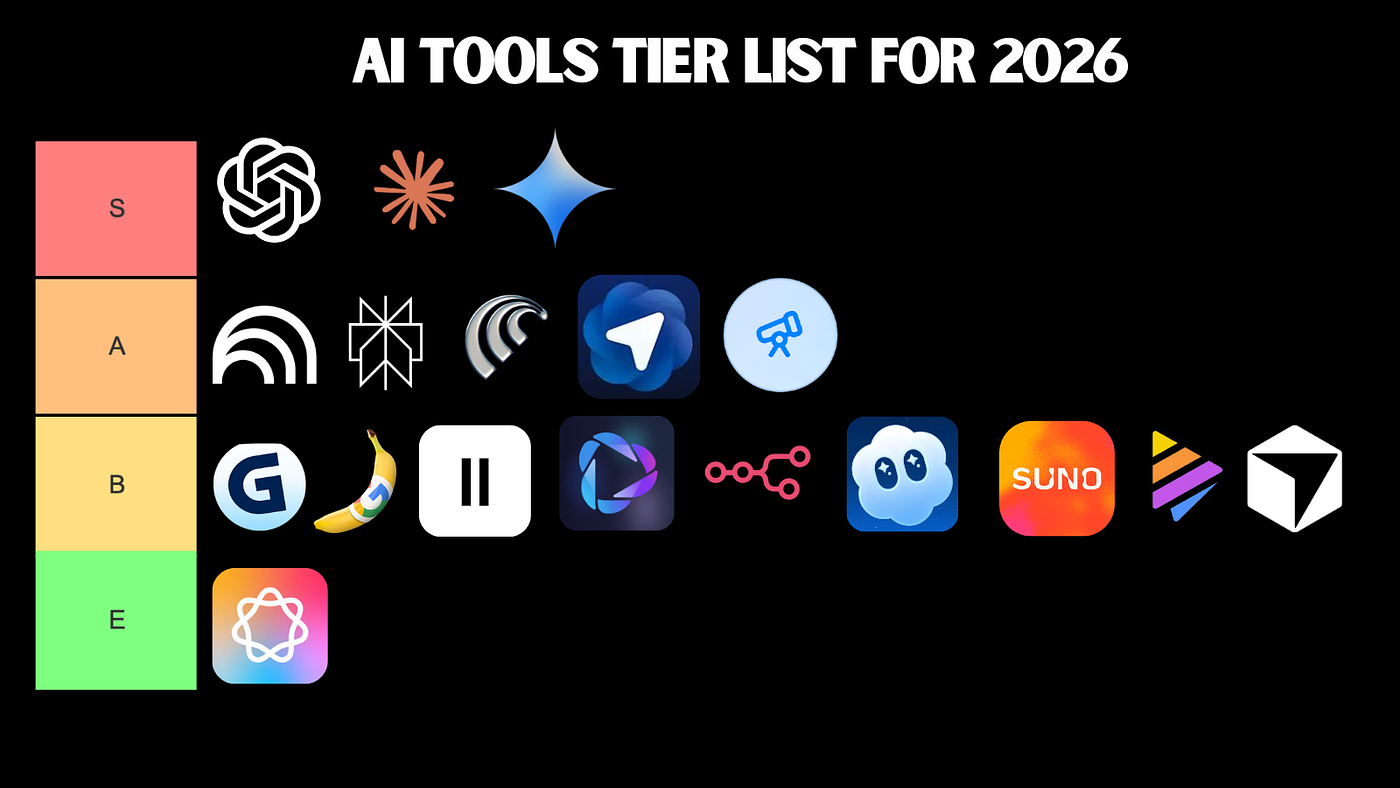
Notice how the maintenance burden grows sharply as you move down the table. The interface you build against a hosted model — structured inputs, validated outputs, an evaluation harness — is exactly the interface you will need if you self-host later, so you lose nothing by starting at the top and learning what "good" looks like first. If you are weighing this kind of decision at the platform level, the discipline in our guide on how to choose the right software solution applies almost word for word to choosing an AI provider, and the candid tier list of 2026 AI tools is a useful map of which providers and frameworks are worth building on.
Tip. Even when you are confident you will eventually self-host, ship the first version on an API. The cost of being wrong is a few API calls rather than a quarter of engineering time, and the production data you gather will tell you whether building anything custom is worth it. More than once the answer has been no — and that is a win, because the money went into product instead of GPUs.
Designing for observability and evaluation
This is the section teams skip, and it is the one I would protect most fiercely. A model is a black box by default. If you do not build a window into it on day one, you will be flying blind the first time something goes wrong — and with a probabilistic system, something always goes wrong. Good observability for AI features is not optional polish; it is the difference between a feature you can operate and a liability you cannot.
Observability for AI borrows directly from classic site reliability practice — the discipline the Google SRE books codified — and extends it. You still want structured logs, traces and metrics, and you still define service level objectives and instrument before you optimise. You additionally want to capture, for every model call: the full prompt and context that went in, the raw output that came back, the model and version used, token counts, latency, cost, and any guardrail decisions. Store enough that you can reconstruct exactly what happened on a single request months later.
Evaluation is the other half
Logs tell you what happened; evaluation tells you whether it was good. Because the output is
non-deterministic, you cannot assert that a function returns exactly 42. Instead you build an
evaluation set — a curated collection of representative inputs paired with the qualities
you expect in a good output. Score new outputs against it using a mix of deterministic rules (does the
JSON parse? is the answer the right length?), embedding similarity, and where appropriate a smaller
judging model. Run this suite in your continuous integration pipeline so that a prompt change or a model
upgrade that quietly degrades quality fails the build, exactly as a broken unit test would. The research
community on arXiv publishes a steady
stream of evaluation methods worth tracking, but you do not need anything exotic to start.
Good observability is, in my experience, the strongest predictor of whether a team keeps improving a feature after launch or whether it ossifies into something nobody dares touch. One small habit pays for itself repeatedly: log a stable hash of each prompt template alongside its output. When quality shifts, you can immediately see whether a prompt edit, a model version bump, or a change in input distribution is to blame — instead of guessing. That single discipline has saved my teams days of debugging.
Guardrails, testing and fallbacks
A model will, eventually, produce something you did not want: a malformed response, a hallucinated fact, a leak of context it should not have echoed, or a compliant answer to a malicious prompt. Designing as though this might happen is optimism; designing as though it will happen is engineering. Guardrails are the deterministic layer you wrap around the model to make that acceptable rather than catastrophic.
Inbound and outbound guardrails
Think of guardrails in two directions. Inbound guardrails validate and sanitise what reaches the model — length limits, prompt-injection detection, and stripping or redacting personal data before it ever enters a prompt. Treat any text from a user or a fetched web page as untrusted content, never as trusted instructions. Outbound guardrails constrain what comes back — schema enforcement so a downstream parser never chokes, profanity and PII screening, and confidence or refusal handling. None of these are AI; they are ordinary code, and that is the point. They turn a probabilistic component into something predictable enough to ship.
Testing the untestable
You cannot assert that a model returns an exact string, because it will not. You test properties instead. Does the output satisfy the schema? Does it stay on topic? Does it refuse what it should refuse? Run those property checks across your evaluation set, track aggregate pass rates, and gate releases on them. This is the same shift in mindset that good test design always demands — and if testing discipline is new territory for your team, the overview of web development fundamentals covers the basics that still apply here.
Watch out. The most dangerous failure is the plausible one. A model that returns obvious garbage is easy to catch; a model that returns a fluent, well-formatted, completely wrong answer sails past a naive integration and straight to your user. Output validation must therefore check meaning where it can — does the cited document exist, does the number fall in a sane range — not merely shape. And the single most common production failure I see is a missing fallback: when the model times out, returns garbage, or trips a guardrail, the feature should degrade to a cached answer, a deterministic default, or an honest "we could not generate that, here is the manual option." A feature with no fallback is one that breaks the whole page the day the provider has an outage.
Cost, latency and caching
AI features have an operating cost that scales with usage in a way most software does not, and they can be slow. Both are architectural constraints you design around, not afterthoughts you discover on the invoice. A feature that feels free in a demo can become startlingly expensive at scale, and a runaway loop or a viral moment can produce a genuinely alarming bill. The first move is always the same: measure cost and latency per request, broken down by feature and by tenant, so you know where the money and the milliseconds actually go.
The big levers
From there, a handful of techniques carry most of the weight. Trim the prompt and context — every token you send and receive costs money and time, and bloated context rarely improves quality. Cache aggressively. Identical or near-identical requests are far more common than people expect; a cache keyed on a normalised prompt can erase a large share of calls outright. Right-size the model — route simple, high-volume queries to a smaller, cheaper, faster model and reserve the expensive one for genuinely hard inputs. Cap output length and set hard spend limits per user and per tenant so an abusive client cannot run up an unbounded bill.
Latency is a product decision
Latency deserves its own attention because it shapes the user experience directly. A two-second call is fine for an asynchronous summary and unacceptable for an autocomplete. Streaming responses token-by-token makes a slow generation feel fast; doing model work asynchronously — beside the request path rather than in it — removes the wait entirely for tasks that do not need to be instant. The broader performance picture still applies: the same fundamentals that govern Core Web Vitals hold for a page that happens to contain an AI feature, and a slow model is no excuse for a janky interface. For the full performance context, the complete guide to modern web development and design puts these trade-offs where they belong.
Data, privacy and governance
The moment you send user data to a model — especially a hosted one — you have made a privacy and governance decision, whether you meant to or not. Get ahead of it. Know what data flows into prompts, where it goes, how long any provider retains it, and whether your terms with that provider permit the use. Send the model the least data necessary to do the job; if a task needs an order ID and a product category, do not ship the customer's full profile along for the ride. Redact or tokenise personal data before it enters a prompt wherever you can, and keep a clear record of what categories of data each AI feature touches.
Governance is not just legal hygiene; it is risk management, and there is a well-regarded framework for thinking about it. The NIST AI Risk Management Framework gives a structured, vendor-neutral vocabulary for identifying, measuring and mitigating the risks an AI system introduces — from bias and reliability to security and privacy. You do not need to adopt it wholesale, but reading it will make your team's conversations about risk sharper and more honest.
Two practical habits matter most. First, write down, per feature, what could go wrong and what the blast radius is if it does — the discipline of naming failure modes early is worth more than any single control. Second, keep a human accountable for each automated decision the system makes; "the model did it" is not an answer a regulator, a customer, or your own conscience will accept. Governance, like accessibility, is cheapest when designed in early rather than bolted on — a point made at length in our look at the trouble with accessibility overlays. And if you are still clarifying what you are actually building, the explainer on what exactly a software solution is is a useful grounding read.
A reference architecture for AI features
Pulling the threads together, here is the shape of a sound LLM application architecture — a reference you can adapt rather than a prescription. It is deliberately boring, because boring is what survives production. Picture the request flowing through clearly separated layers, each of which you can test, swap and observe independently.
- Request layer. Receives the user request, applies authentication, rate limiting and inbound guardrails — validation, injection checks, PII redaction.
- Orchestration layer. Assembles the prompt and context, decides which model to call (routing simple cases to cheaper models), checks the cache, and manages retries and timeouts. This is plain application code, not a model.
- Model layer. The API call or self-hosted endpoint itself — ideally behind an abstraction so you can swap providers or versions without touching the rest of the system.
- Guardrail and post-processing layer. Enforces the output schema, checks meaning, screens content, and decides whether to accept the generation or trigger a fallback.
- Observability layer. Captures prompts, outputs, model versions, tokens, latency, cost and guardrail decisions for every call — the window you built on day one.
- Fallback path. The deterministic answer that runs when anything above fails, so the feature degrades gracefully instead of breaking.
The crucial property of this architecture is that the non-deterministic part is a single, small, well-bounded box surrounded by deterministic, testable code. That is the whole game. Treating the model as a swappable dependency rather than a hardwired call is what lets you upgrade, A/B test providers, and survive a vendor's price change or deprecation without rewriting the feature. The same separation-of-concerns instinct serves you across the stack — the 2026 developer guide goes deeper on the tooling that fits around this architecture, and because so many AI features ultimately move documents and structured content around, the discipline of clean transformation described in the quiet craft of RTF-to-XML document conversion rhymes closely with good output validation.
Rollout, monitoring and iteration
You do not flip an AI feature on for everyone at once. Roll it out the way you would roll out any risky change: behind a flag, to a small slice of traffic first, with the metrics from your observability layer watched closely. Compare the AI path against the deterministic baseline it replaces — is it actually better on the outcome you named back in the first section, or merely newer? If something looks wrong, you want a switch you can flip, not a deploy you have to scramble to revert.
Once live, monitoring is continuous, not a launch-day checklist. Watch quality scores from your evaluation suite, cost and latency per request, guardrail trip rates, and fallback frequency. A creeping rise in fallbacks or a slow decline in evaluation scores is the early warning that input distributions have drifted, a provider has changed a model under you, or a prompt edit went sideways. Catch it from the dashboard, not from a user complaint.
From practice. A pattern we keep seeing is that the teams who win with AI are rarely the ones with the cleverest prompts. They are the ones with the most disciplined feedback loop — every bad output becomes a logged trace, every logged trace that matters becomes an evaluation case, and every evaluation case guards against regressions forever. The prompt engineering is the visible part; the loop around it is what compounds. Treat the loop as the product and the model as a replaceable part inside it.
That loop is the whole discipline of AI architecture best practices in one sentence — measure everything, change deliberately, and never ship intelligence you cannot observe. Get the seam, the guardrails, the observability, the fallback and the evaluation loop right, and you can swap models freely, control your costs deliberately, and explain to anyone exactly why the feature did what it did. To keep reading across the journal, the full archive of articles collects this work on software, the web and AI, and you can learn more about the independent, engineer-written approach on the page about the journal. From the Logictran home page you will find the newest pieces first.
Frequently asked questions
Should I build my own model or use an AI API?
For most teams, start with a hosted API. It removes infrastructure work and lets you validate the idea quickly. Train or fine-tune your own model only when you have a clear quality, cost, latency or privacy reason that an API cannot meet, and the volume to justify the ongoing maintenance burden.
How do I test an AI feature that is non-deterministic?
Test the behaviour, not the exact wording. Build an evaluation set of representative inputs with graded expectations, then score outputs with rules, smaller models or human review. Run these evaluations in continuous integration, track pass rates over time, and treat a drop in score the same way you treat a failing unit test.
What is a guardrail in an AI system?
A guardrail is a check that sits around the model to keep its inputs and outputs safe and on-topic. Examples include input validation, content filters, schema enforcement on responses, and refusal handling. Guardrails turn an unpredictable model into a component you can trust within defined limits, and they give you somewhere safe to fall back to.
How do I control the cost of AI features?
Measure cost per request first, then attack the biggest drivers. Cache repeated calls, shorten prompts, route easy requests to smaller models, and set token limits. Batch work where latency allows. Above all, instrument spending per feature so a runaway loop or a viral moment does not produce a surprise invoice at the end of the month.
Sources & further reading
- NIST AI Risk Management Framework — a vendor-neutral framework from the U.S. National Institute of Standards and Technology for identifying, measuring and mitigating the risks of AI systems.
- Google SRE books — the freely available site reliability engineering books whose observability, monitoring and incident-response principles transfer directly to operating AI features.
- arXiv — the open-access preprint repository where much of the current research on model evaluation, safety and architecture is published.

.jpeg)