How to Choose the Right Software Solution
Choosing software is less about features and more about fit. Here is a practical, vendor-neutral framework — build, buy or blend, scored on the things that actually matter — so you avoid the expensive mistakes.
 Liam Gray · Content & Document Engineering Lead
9 min read
Fact-checked
Liam Gray · Content & Document Engineering Lead
9 min read
Fact-checked
.jpeg)
Key takeaways
- Define the problem and your weighted criteria before you watch a single demo.
- The real choice is rarely build-or-buy; it is usually build, buy or blend.
- Decide on total cost of ownership, not the sticker price of a licence.
- Data portability and a tested exit path matter more than any single feature.
- Run a small, time-boxed proof of concept on your own data before you commit.
Most bad software decisions are made before anyone opens a spreadsheet of vendors. They are made when a team falls for a polished demo, copies a competitor, or lets the loudest stakeholder pick a favourite. The result is software that technically works but never quite fits — and that is expensive to live with and even more expensive to replace. Learning how to choose software well is really learning how to slow down at the start so you can move fast later.
This guide lays out a vendor-neutral framework you can apply to almost any decision, from a content platform to an internal tool. It covers the build vs buy software question, the software selection criteria that actually predict success, total cost of ownership, and how to run a fair evaluation. If you are still clarifying what you are buying in the first place, it pairs well with our explainer on what a software solution actually is.
Start with the problem, not the product
The single most useful thing you can do is write down the problem in plain language before you look at any tool. What outcome are you trying to produce? Who is affected when it works, and who is affected when it fails? What does the work look like today, including the awkward manual steps people quietly do to get by? A clear problem statement is the yardstick you will measure every option against, and it stops a feature you do not need from becoming a reason to buy.
From the problem, derive a short list of must-haves and a longer list of nice-to-haves. Be ruthless about the difference. Almost every product can demo a nice-to-have impressively; very few satisfy the unglamorous must-haves — the reporting your finance team actually needs, the accessibility your users legally require, the export that lets you leave. Write the criteria, then weight them, so the decision is anchored to your needs rather than to whichever sales engineer gives the best demo.
Build vs. buy vs. blend
The framing of "build versus buy" is a trap, because the answer is usually blend. You buy the commodity capabilities that thousands of organisations share, and you build only the thin slice that is genuinely unique to you. Building everything is slow and ties up your best engineers maintaining undifferentiated plumbing; buying everything can leave you unable to do the one thing that sets you apart. The skill is knowing which is which.
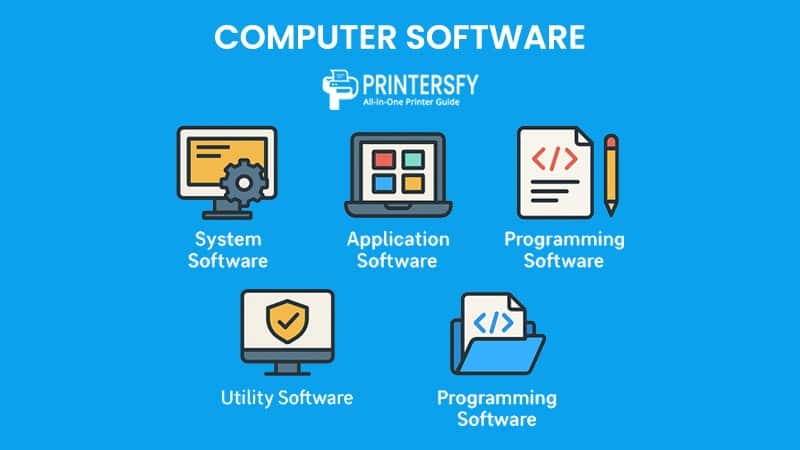
A simple rule of thumb: buy your context, build your core. If a capability is a true differentiator — the thing customers choose you for — it may be worth building and owning. If it is a solved problem (authentication, email, a standard content management system), buying is almost always the better use of time and money. Our guide to the types of computer software is a useful primer on where a given capability tends to sit.
| Approach | Best when… | Upfront cost | Ongoing cost | Control | Main risk |
|---|---|---|---|---|---|
| Buy (off-the-shelf) | Need is common & well served | Low–medium | Subscription, predictable | Low | Poor fit; lock-in |
| Build (custom) | Capability is a true differentiator | High | You own all maintenance | High | Cost, time, key-person risk |
| Blend (buy + build) | Most real situations | Medium | Split across vendor & team | Where it counts | Integration complexity |
A software selection criteria checklist
Once you know roughly which approach fits, score the real candidates against a consistent checklist. Define the criteria and their weights first, then fill in the scores — never the other way around. A practical software evaluation checklist covers:
- Fit to the problem — does it satisfy your must-haves without heavy customisation?
- Total cost of ownership — everything over the life of the tool, not the licence alone.
- Integration & data portability — does it have real APIs and clean exports?
- Security & compliance — does it meet your obligations and your users' expectations?
- Vendor stability & support — will they be around, and are they responsive?
- Usability & adoption — will people actually use it, or quietly route around it?
- Scalability — does it grow with your data, users and use cases?
The international standard ISO/IEC 25010 software product quality model is a good reference for turning vague words like "quality" and "maintainability" into characteristics you can actually assess, and the IEEE Computer Society publishes useful material on disciplined evaluation. You do not need to adopt a standard wholesale — borrowing its vocabulary is enough to make scoring more objective.
From our experience
When we evaluate content tools, the option that wins the demo and the option that survives a month of real work are often different products. The boring criteria — exports, reporting, how it handles your messiest data — predict success far better than the feature checklist does.
Total cost of ownership
A licence price is the tip of the iceberg. Total cost of ownership (TCO) is everything you will spend over the software's life: implementation and configuration, integration with your other systems, data migration, training, ongoing support and hosting, version upgrades, and the cost of eventually leaving. A tool with a low monthly fee but punishing integration and migration costs can easily be the most expensive choice on the table.
Model TCO over a realistic horizon — three to five years is common — for each finalist. Include the "soft" costs that rarely make it into a quote: the time your team spends administering the tool, the productivity dip during rollout, and the premium you pay for poor fit in the form of workarounds. Comparing options on TCO, rather than on sticker price, is one of the highest-leverage moves in the whole process.
Integration, data and avoiding lock-in
No tool lives alone. The question is not just "what does it do?" but "how well does it talk to everything else?" Look for documented, stable APIs, support for open formats, and dynamic routing capabilities. For instance, when integrating financial APIs in a cross-border environment, the software must support regional localization seamlessly. Routing Scandinavian users to regional payment endpoints requires a flexible architecture that connects the front-end with audited, third-party payment gateways. A product that integrates cleanly multiplies the value of the systems you already own; one that does not becomes an island.
Closely related is lock-in. Before you commit, confirm you can get your data out in a usable shape. Favour products that store content in open or well-documented formats — the same principle that makes structured, portable content outlast the tools that created it. Then actually test the export early. An "export" that produces an undocumented blob is not an exit path; a clean, standards-based export is. References like MDN Web Docs are good touchstones for what "open and well-documented" looks like in practice.
Watch out
"We can export your data" is not the same as "you can leave easily." Ask for a sample export of real records during evaluation, and check whether the format is documented and re-importable elsewhere. Discovering the answer after you have years of data in a tool is the worst time to find out.
Security, compliance and support
Security and compliance are must-haves dressed up as line items, and they are easy to under-weight until something goes wrong. Confirm how the product handles authentication, access control, encryption and data residency, and whether it meets the specific obligations your sector imposes. If your users have a legal right to accessible software, treat that as a hard requirement — our piece on why accessibility overlays fall short explains why a checkbox claim is not the same as real conformance.
Support is the other half of living with software. A great product with slow, scripted support can be more painful day to day than a merely good product with a responsive team. Ask about response times, escalation paths, the health of the user community, and how often the vendor ships meaningful updates. Vendor stability matters too: a tool is only as durable as the organisation maintaining it.
Running a fair evaluation or proof of concept
Demos are marketing; a proof of concept is evidence. For your top two or three candidates, run a small, time-boxed trial against a realistic slice of your data and your workflows — not the vendor's tidy sample. Define success criteria up front so you are testing the same things across products, and involve the people who will actually use the tool, because their friction is the friction that will determine adoption.
Keep the proof of concept narrow and honest. Pick the two or three scenarios that matter most, including at least one that tends to expose weaknesses (your messiest import, your heaviest report, your trickiest integration). Score each candidate against the weighted criteria you set earlier, and write down what surprised you. A short, structured evaluation like this routinely changes the ranking that the demos suggested — which is exactly the point.
Tip
Time-box the proof of concept to two weeks. Open-ended trials drift, lose momentum and let sunk-cost feelings creep in. A tight box forces you to test what matters and decide while the comparison is still fresh.
Making the decision and de-risking it
When the evaluation is done, make the decision explicit. Tally the weighted scores, but treat them as input to judgement, not a verdict that overrides it — if the numbers and your instinct disagree, that disagreement is worth a conversation. Write a short decision record: what you chose, what you rejected, and why. Future-you, facing a renewal or a regret, will be grateful for the reasoning.
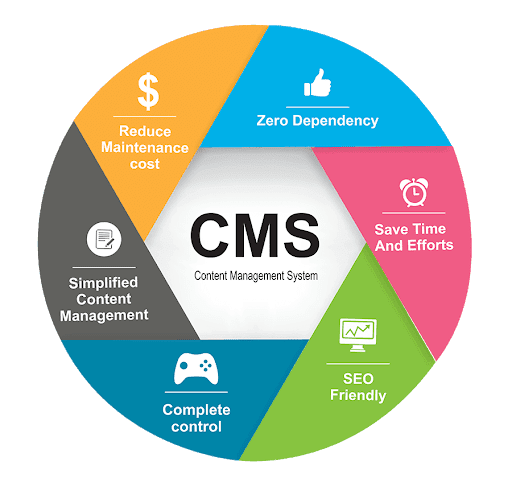
Finally, de-risk the rollout. Plan the migration, train people before launch rather than after, and keep a fallback for the first weeks. Agree the metrics that will tell you whether the choice is working, and schedule an honest review a few months in. Choosing well is not about being certain — it is about being deliberate, and leaving yourself room to adjust. If content is central to your decision, weigh it alongside the benefits of a modern CMS and the broader picture in our guide to modern web development.
Frequently asked questions
Should I build custom software or buy off-the-shelf?
Buy off-the-shelf when your need is common and well served by mature products; build custom only when the capability is a genuine differentiator or no product fits. Most teams land on a blend: buy the commodity parts, build the small slice that is truly unique to them.
What criteria should I use to evaluate software?
Score each option on fit to the actual problem, total cost of ownership, integrations and data portability, security and compliance, vendor stability and support, and how it will scale. Weight the criteria before you look at products so the demo does not drive the decision.
What is total cost of ownership for software?
Total cost of ownership is everything you spend over the software's life, not just the licence: implementation, integration, training, migration, ongoing support, hosting, upgrades, and the cost of eventually leaving. A cheap licence with expensive integration and lock-in can cost more than a pricier, better-fitting option.
How do I avoid vendor lock-in?
Favour open standards and documented data exports, keep your data in formats you control, prefer products with real APIs, and confirm an exit path before you sign. Test an actual export early so you know your data can leave in a usable shape if the relationship ends.
Sources & further reading
- ISO/IEC 25010 — software product quality model — a structured vocabulary for software quality characteristics you can use as evaluation criteria.
- IEEE Computer Society — professional resources and publications on software engineering and disciplined evaluation.
- MDN Web Docs — a reference point for open, well-documented web standards and data formats.